Storyteller
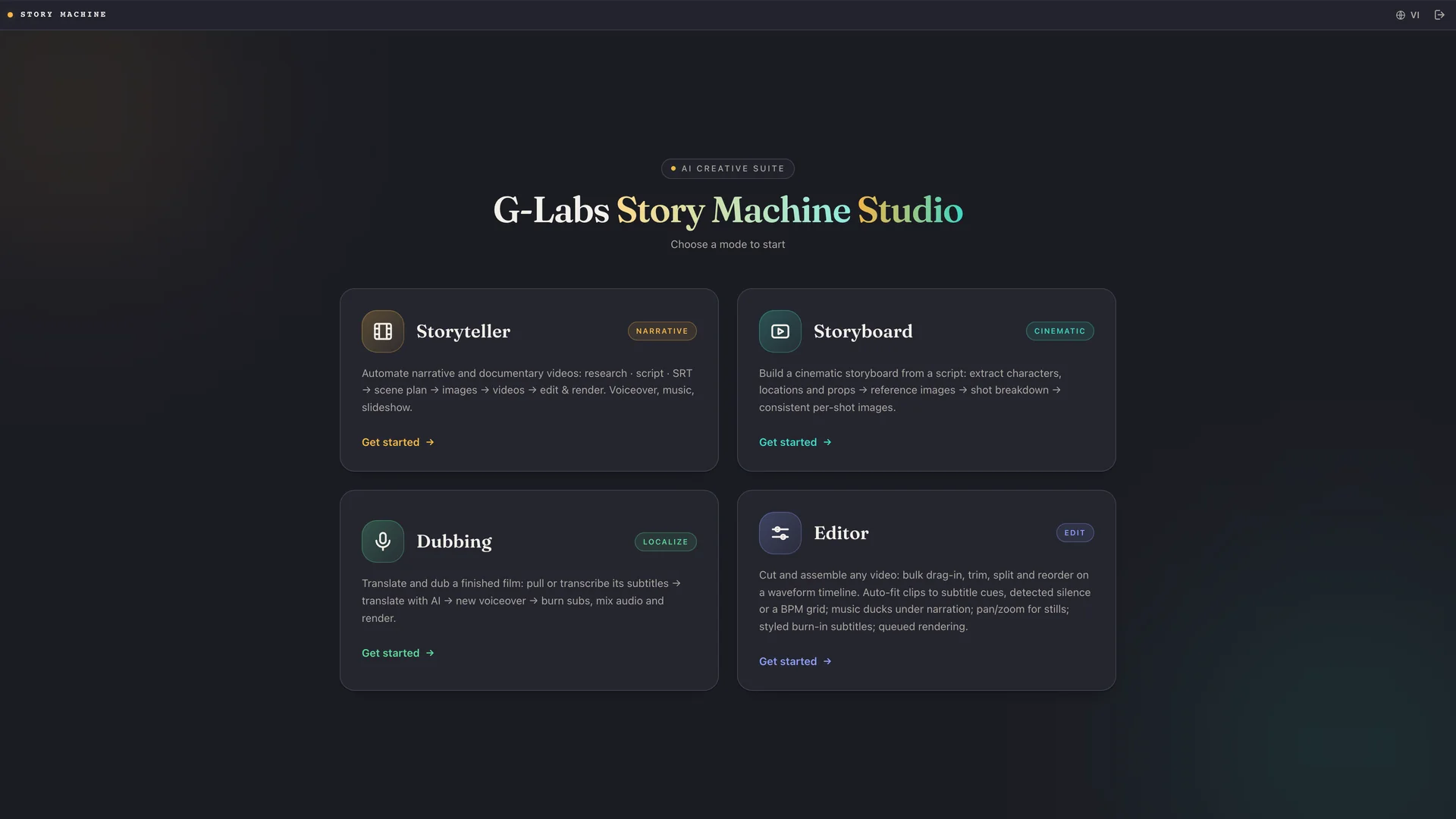
Automate narrative and documentary videos: research · script · SRT → scene plan → images → videos → edit & render. Voiceover, music, slideshow.
★ Most completeStory Machine is a production line: AI finds a true story, breaks it into scenes, writes the prompts, paints the images, animates the clips, narrates it, writes the SEO and renders the final file. You approve each step — the machine does the rest.
Each step is its own page in the app: stop, fix things by hand, carry on. Every screenshot below comes from a real project — “The Final Ridge”, a documentary about the 1972 Andes plane crash.
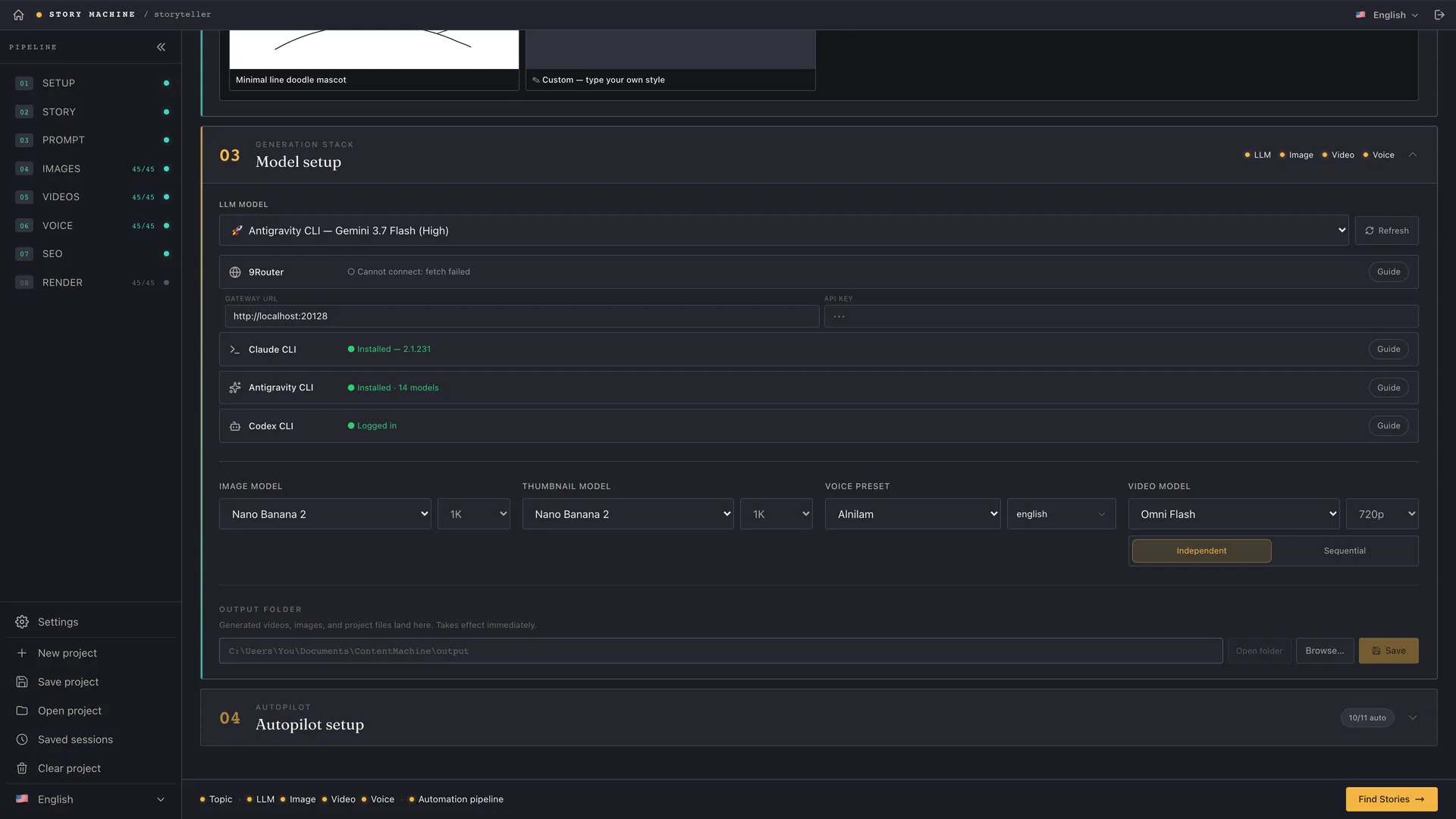
Pick your input: a topic for the AI to research, an existing .srt subtitle file, or your own script. Then set aspect ratio, the image/video/voice models and how much runs automatically.
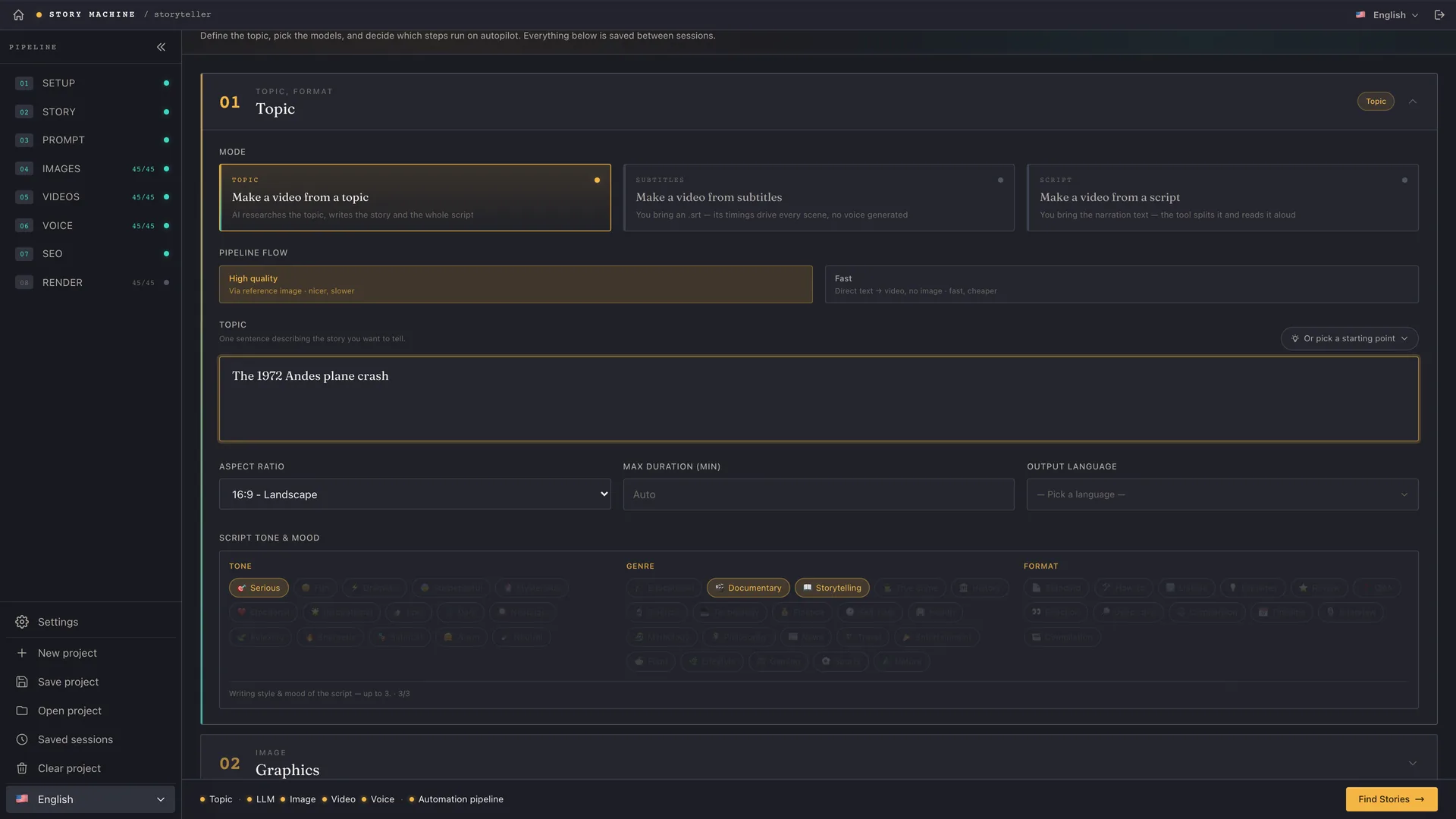
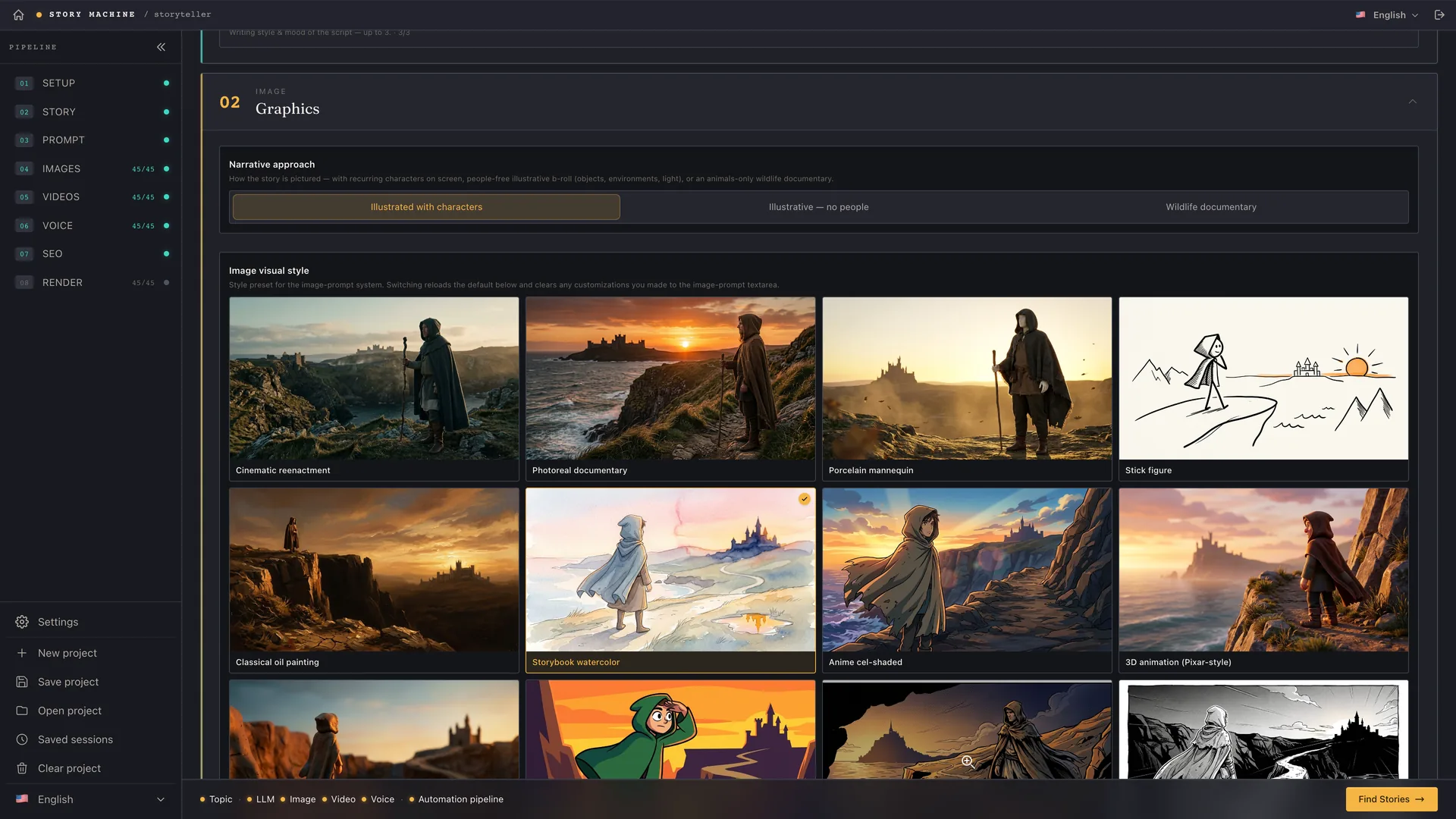
Still inside Setup, the Graphics block decides how the film looks. Choose the narrative angle — with characters, without characters, or the animal world — then pick one of 46+ built-in styles. Every tile is a real sample of that preset, so you see the look before you commit.
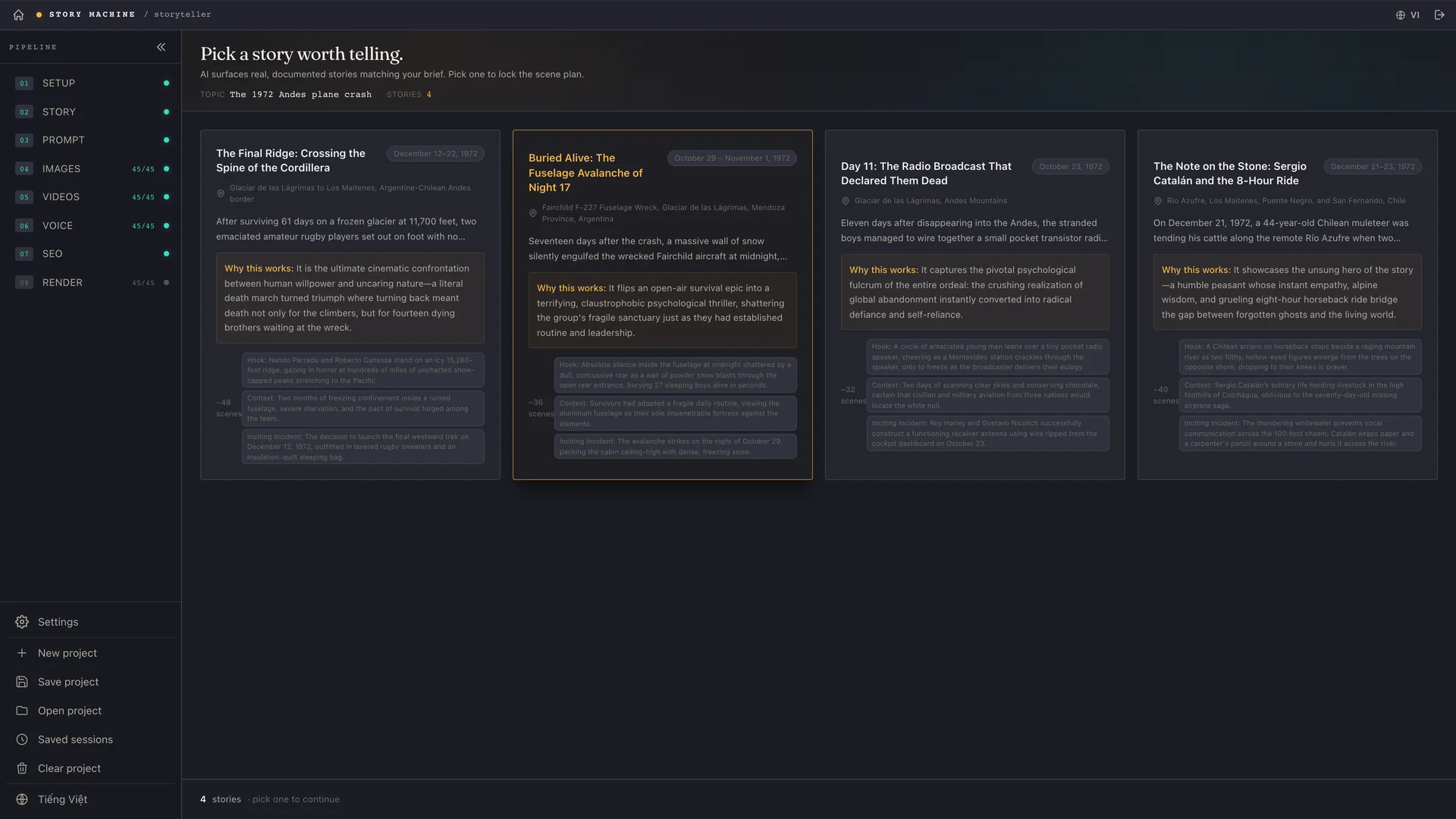
The AI returns four real stories around your topic with a summary, why it works and its sources. You read them and pick one — the rest of the line follows that choice.
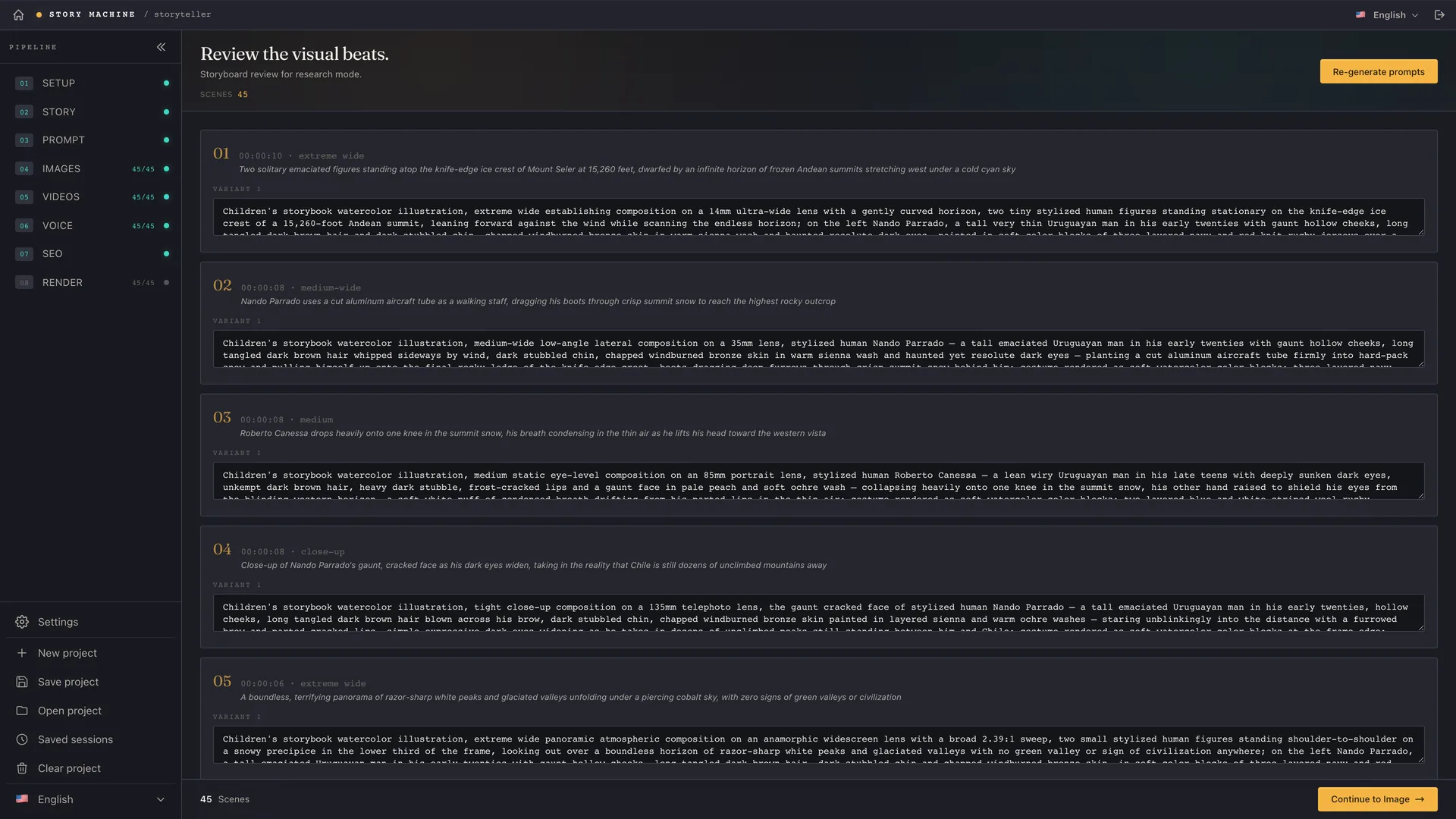
The script is cut into timed beats, tagged as narration / cutaway / atmosphere, and turned into an image prompt per scene. Every line stays editable before anything is drawn.
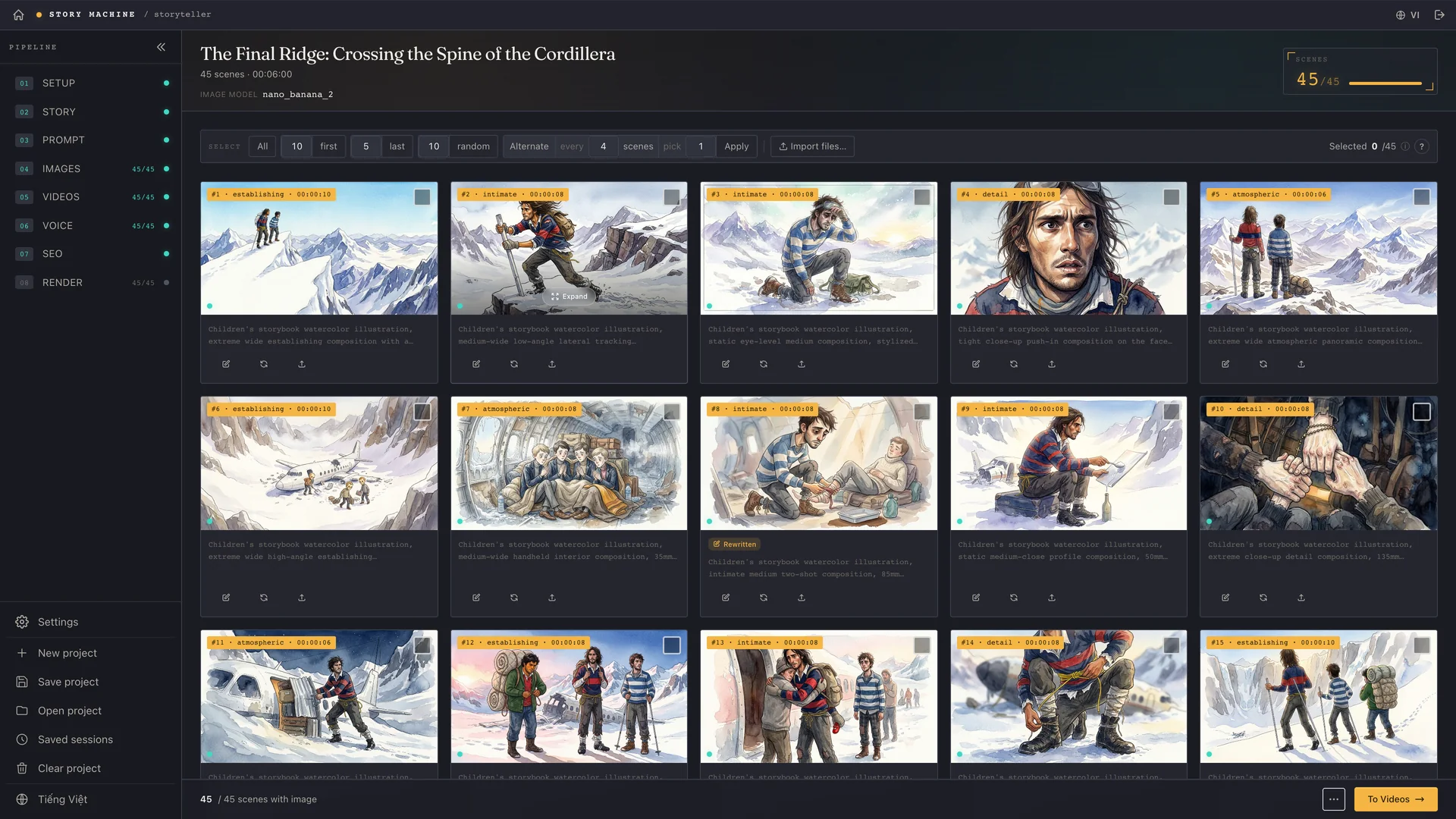
Prompts go to G-Labs Automation in bulk. The grid supports multi-select, rubber-band selection, per-scene regeneration, importing your own files — and 46+ built-in visual styles.
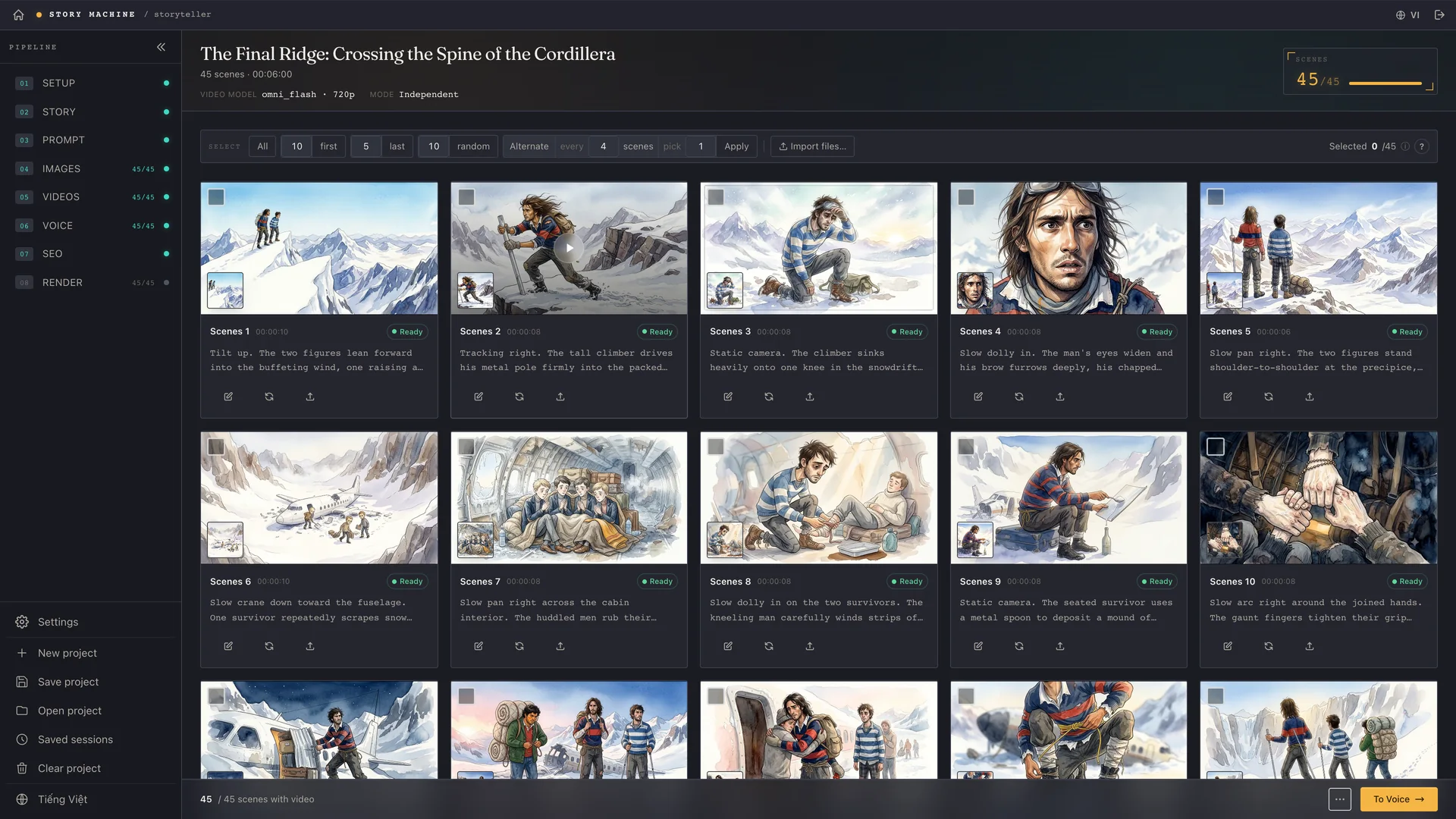
Each still becomes a moving clip: the AI writes prompts describing action and camera move only, never re-describing what the image already shows. Preview in place, redo what you don't like.
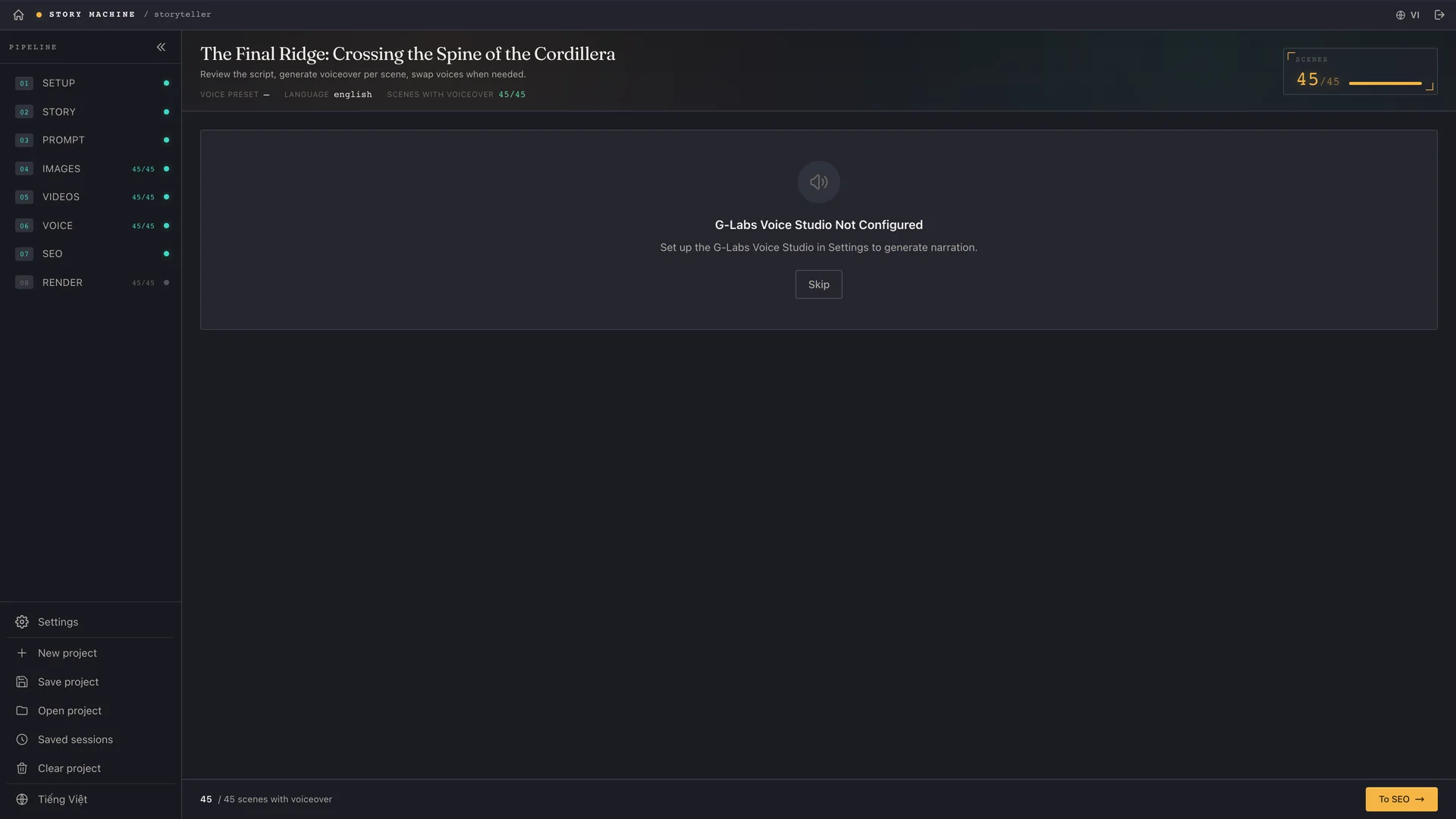
Hands off to G-Labs Voice Studio running fully offline: one take per sentence on the subtitle's own timing, with per-line preview and regeneration.
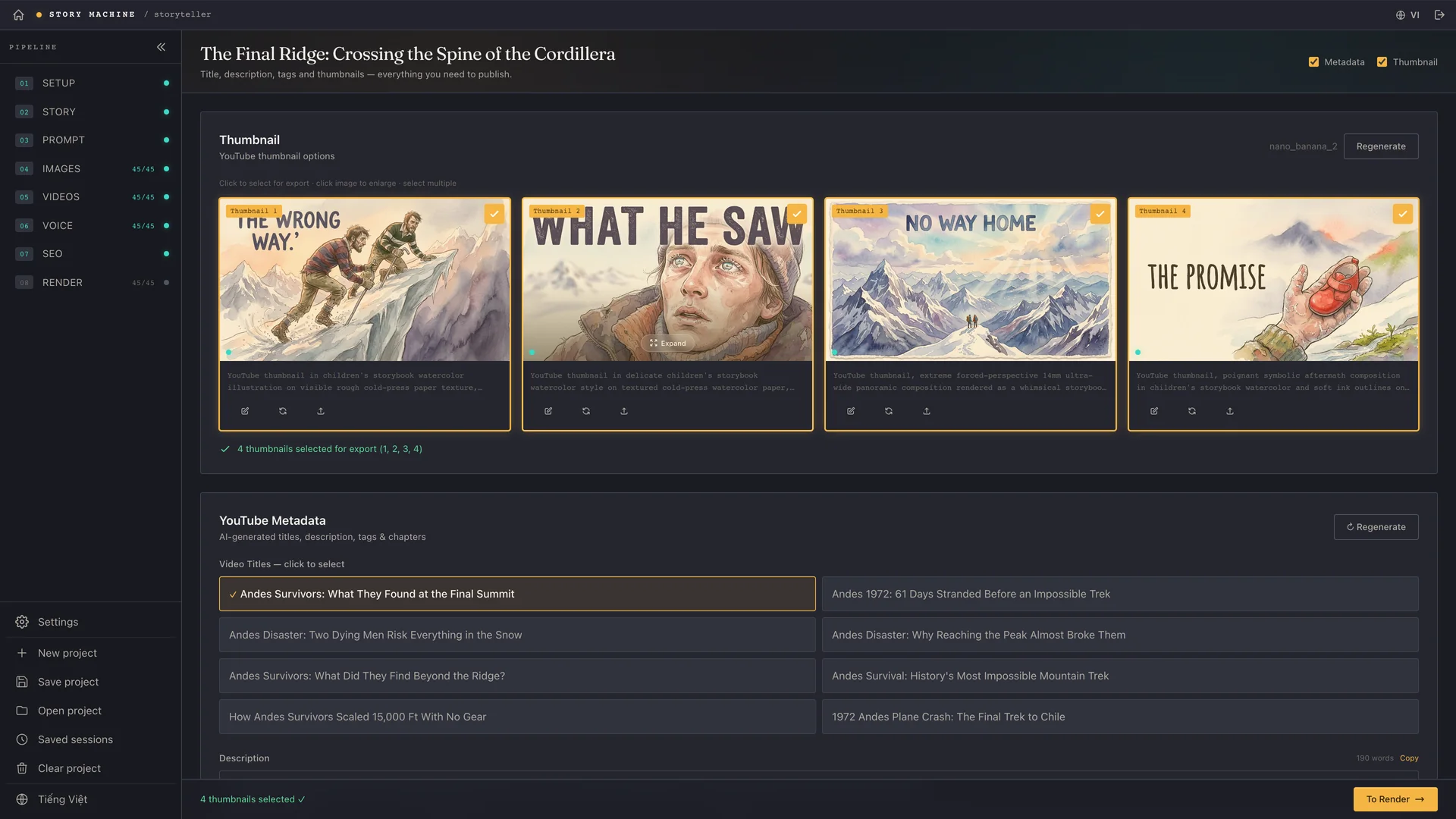
Generates the YouTube title, description, tags and chapters — plus a purpose-made thumbnail. Copy once, paste straight into your channel.
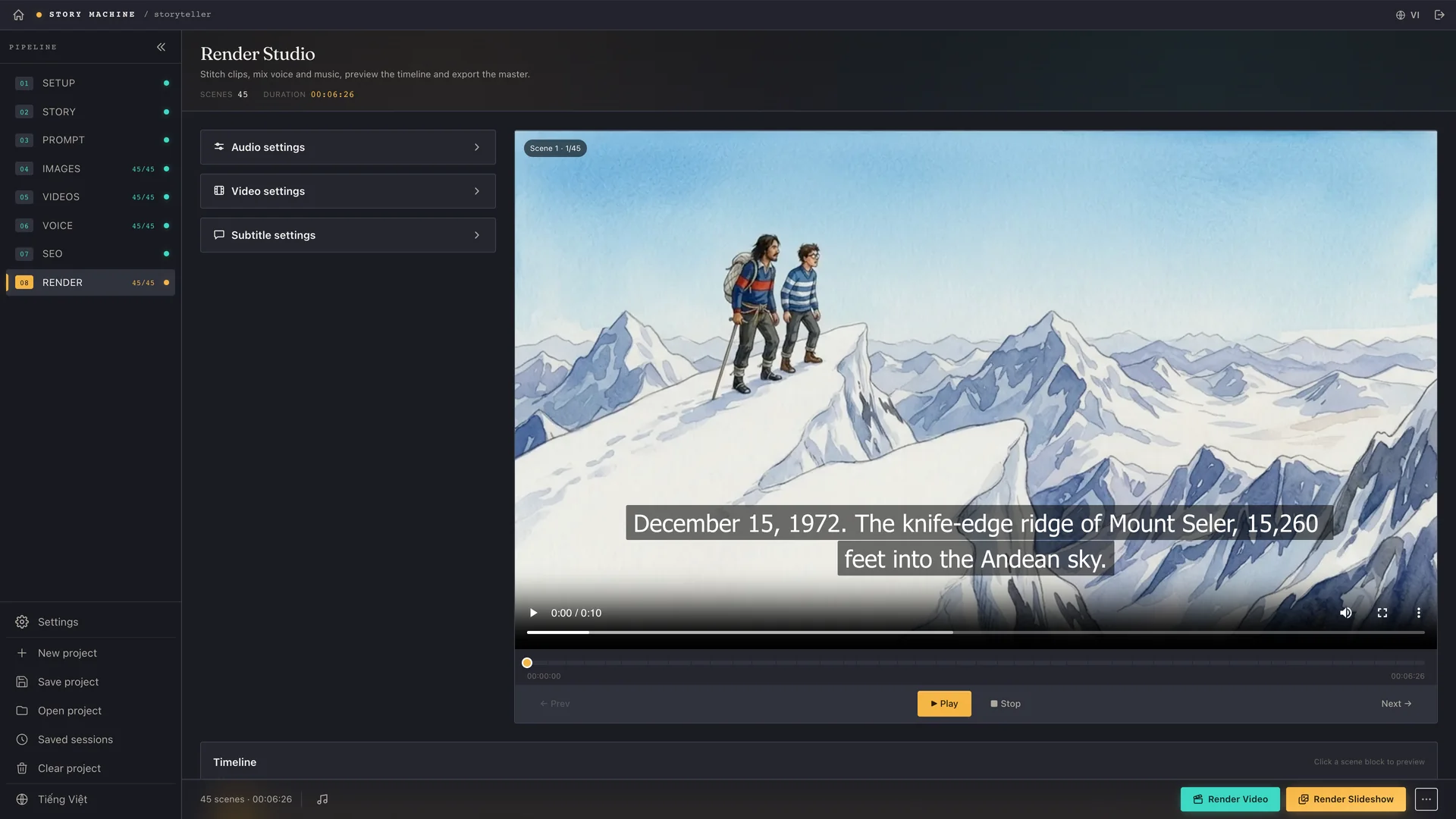
Everything lands on a waveform timeline: music ducks automatically under narration, burn-in subtitles are styleable, stills get pan/zoom. Renders run in a queue and give you the final file.
Same models, same render room — a different way in.
Automate narrative and documentary videos: research · script · SRT → scene plan → images → videos → edit & render. Voiceover, music, slideshow.
★ Most completeBuild a cinematic storyboard from a script: extract characters, locations and props → reference images → shot breakdown → consistent per-shot images.
Translate and dub a finished film: pull or transcribe its subtitles → translate with AI → new voiceover → burn subs, mix audio and render.
Cut and assemble any video: bulk drag-in, trim, split and reorder on a waveform timeline. Auto-fit clips to subtitle cues, detected silence or a BPM grid.
Talks straight to Claude CLI, Antigravity, Codex or a 9Router gateway. No vendor lock-in, and no separate API key if your CLI plan already covers it.
Story Machine conducts, G-Labs Automation paints the images and clips, Voice Studio narrates offline — over local webhooks on your own machine.
The script decides how many scenes there are; the app sets no ceiling. Multi-select, rubber-band, bulk file import and targeted re-runs mean big and small projects are handled the same way — never one click per shot.
Every stage can pause for edits: change a prompt, swap an image, re-read one line. The AI does the heavy lifting; the last call stays yours.
The whole pipeline, button by button, with real screenshots of the app.
Open the Story Machine guide